Embarking on your coding journey with C programming for beginners is one of the smartest decisions you can make in 2026. The C language remains one of the most influential and widely-used programming languages in the world, powering everything from operating systems to embedded devices. Whether you aspire to become a professional software developer, build embedded systems, or simply understand how computers work, learning C programming for beginners provides the perfect foundation.
C programming for beginners offers more than just syntax and rules. It teaches algorithmic thinking, problem-solving strategies, and fundamental computer science concepts that apply to every programming language. This comprehensive beginner-friendly C tutorial will guide you through essential concepts, practical examples, and actionable steps to transform you from a complete novice into a confident programmer ready to tackle real-world projects.
Why C Programming for Beginners Matters in Modern Development
Understanding why C programming for beginners remains relevant requires looking at both history and current applications. The C language, created by Dennis Ritchie in the 1970s, revolutionized software development and established patterns still used today.
Learning C programming for beginners teaches you how computers actually work beneath graphical interfaces and high-level abstractions. You’ll understand memory management, how programs execute, and why certain design patterns exist. This deep knowledge separates competent programmers from those who merely memorize syntax.
The best way to learn C involves mastering fundamental concepts before attempting complex projects. Many beginners make the mistake of rushing toward advanced topics. Instead, taking time with C programming for beginners materials ensures you build unshakeable foundations.
Getting Started: Setting Up Your C Development Environment
Before writing your first program, you need proper tools installed. The C language roadmap for beginners starts with selecting a compiler and editor.
Installing a C Compiler
On Windows, download MinGW or use Microsoft Visual Studio Community Edition. On macOS, install Xcode Command Line Tools by opening Terminal and running: xcode-select –install
Linux users typically have GCC pre-installed. Verify by typing: gcc –version
Choosing Your IDE or Editor
For C programming for beginners, Visual Studio Code offers excellent free options. Install the C/C++ extension by Microsoft and you’re ready to start. Alternatively, Dev-C++ provides a lightweight IDE specifically designed for learning C.
Many experienced programmers still prefer terminal-based editors like nano or vim, but graphical IDEs make C programming for beginners more approachable and less intimidating.
Understanding C Language Core Concepts
C programming fundamentals rest on several core building blocks. Understanding these concepts deeply prevents confusion later when programs become more complex.
What Makes C Special
Unlike beginner-friendly languages like Python that hide implementation details, C exposes how computers actually manage memory and execute instructions. This transparency teaches genuine programming skills applicable everywhere.
The phrase “why is C called C” often puzzles beginners. Dennis Ritchie named it C because it evolved from an earlier language called B. This naming convention reflected the incremental improvement philosophy of language development.
The Hello World Program
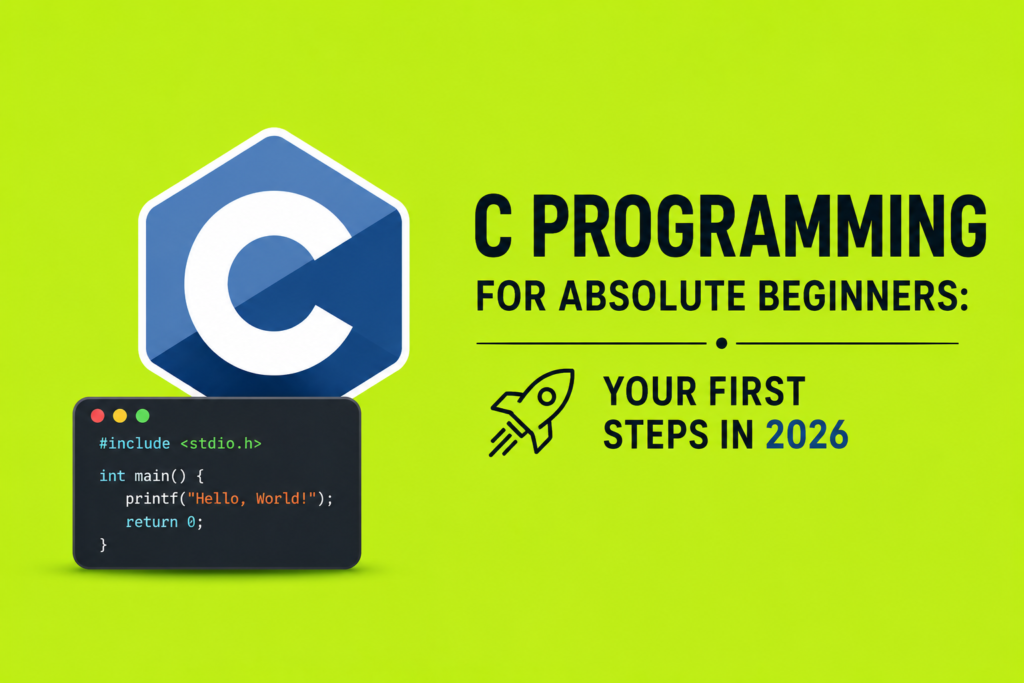
Every programmer’s journey begins with Hello World. This simple program demonstrates the complete execution flow:
**#include <stdio.h>
int main() {
printf(“Hello, World!”);
return 0;
}**
Let’s break this down. The #include <stdio.h> line tells the compiler to include the standard input/output library. The main function is where program execution begins. The printf function displays text on screen. Finally, return 0 signals successful program completion.
Compiling and running this program on Windows requires: gcc hello.c -o hello.exe then hello.exe
On Mac or Linux: gcc hello.c -o hello then ./hello
Variables, Data Types, and Declaration
C programming basics step by step progresses from simple variables to complex data structures. Understanding variables is essential.
Declaring and Initializing Variables
Variables store data during program execution. Each variable has a type, name, and value. Declare variables before using them:
int age = 25;
float salary = 50000.50;
char initial = ‘A’;
The int type stores whole numbers. The float type handles decimal numbers. The char type stores single characters. Additional types include double for high-precision decimals, and short or long for different integer ranges.
Understanding Data Types
Data types determine how much memory a variable uses and what operations are valid. Starting C coding today requires grasping these fundamental types before attempting C language core concepts involving pointers or arrays.
Control Flow: Making Decisions in Your Programs
Programs that simply execute statements sequentially accomplish little. Control flow statements allow decisions based on conditions.
If, Else If, and Else Statements
C programming for beginners relies heavily on conditional logic:
int score = 85;
if (score >= 90) {
printf(“Grade: A”);
} else if (score >= 80) {
printf(“Grade: B”);
} else {
printf(“Grade: C”);
}
These conditions evaluate boolean expressions and execute different code paths accordingly.
Loop Structures
Loops repeat code multiple times without rewriting it. For loops iterate a fixed number of times:
for (int i = 0; i < 5; i++) {
printf(“Number: %d”, i);
}
While loops continue as long as a condition remains true:
int count = 0;
while (count < 5) {
printf(“Count: %d”, count);
count++;
}
Functions and Recursion: Building Reusable Code
Functions are fundamental to writing organized, maintainable code. They allow you to write code once and reuse it multiple times, essential for scaling beyond basic programs.
Creating and Calling Functions
C functions and recursion enable sophisticated C programming for beginners applications:
**int add(int a, int b) {
return a + b;
}
int result = add(5, 3);**
Functions have return types, names, parameters, and bodies. The return type specifies what the function produces. Parameters are inputs the function receives.
Understanding Recursion
Recursion occurs when a function calls itself. This powerful technique solves problems by breaking them into smaller versions:
int factorial(int n) {
if (n <= 1) return 1;
return n * factorial(n – 1);
}
Recursion requires a base case (when to stop) and a recursive case (how to break the problem smaller). Without a proper base case, the function calls itself infinitely, causing a stack overflow.
Arrays and Strings: Working with Collections
Individual variables limit what you can accomplish. Arrays store multiple values of the same type together.
Declaring and Using Arrays
int numbers[5] = {10, 20, 30, 40, 50};
printf(“%d”, numbers[2]);
Arrays use zero-based indexing, so numbers[2] accesses the third element. Arrays enable processing collections of data with loops:
for (int i = 0; i < 5; i++) {
printf(“%d “, numbers[i]);
}
Understanding Strings
Strings are arrays of characters ending with a null terminator:
char name[20] = “John”;
printf(“Name: %s”, name);
The %s format specifier prints strings. String manipulation functions from the standard library handle concatenation, copying, and comparison.
Pointers Explained: The Most Confusing Yet Crucial Concept
C pointers explained topics intimidate many beginners, yet pointers are central to understanding how computers work. A pointer stores a memory address rather than a value.
Pointer Declaration and Dereferencing
int x = 5;
int ptr = &x;
printf(“%d”, ptr);
The & operator gets an address. The * operator dereferences, accessing the value at that address. While confusing initially, pointers become intuitive with practice.
Pointers and Arrays
Arrays and pointers relate deeply. Array names decay to pointers in many contexts:
int arr[5] = {1, 2, 3, 4, 5};
int ptr = arr;
printf(“%d”, ptr);
This prints the first element. Incrementing the pointer moves to the next element.
Memory Management: A Beginner’s Guide
C programming for beginners requires understanding how programs allocate and deallocate memory. Unlike modern languages with garbage collection, C requires explicit memory management.
Dynamic Memory Allocation
int ptr = (int)malloc(sizeof(int));
ptr = 42;
free(ptr);*
malloc allocates memory on the heap. free releases it when no longer needed. Forgetting to free memory causes leaks. Freeing memory twice causes crashes. These mistakes plague even experienced programmers.
Understanding Stack vs Heap
Local variables use stack memory, automatically freed when they go out of scope. Dynamically allocated memory uses heap memory, requiring manual management.
The History of C programming and Its Continued Relevance
Understanding C programming legacy provides context for why certain features exist. Created at Bell Labs in the 1970s by Dennis Ritchie and Ken Thompson, C emerged from necessity. Previous languages were either too high-level or too machine-specific.
C programming legacy continues through modern languages. C++ extends C with object-oriented features. Java and C# adopted C-like syntax. JavaScript, despite its name, has almost nothing to do with C but C programmers recognize familiar patterns.
Comparing C with Other Languages
C vs C++
C vs C++ comparison matters for beginners choosing their path. C++ adds object-oriented programming on top of C. For C programming for beginners, pure C teaches fundamental concepts without object-oriented complexity.
C vs Python
C vs Python represents a major fork. Python prioritizes readability and developer speed. C prioritizes performance and explicit control. Learning both provides balanced understanding of programming tradeoffs.
Building Your First Real Project
After mastering C programming for beginners fundamentals, you’re ready for practical projects. Simple calculator programs, basic games, or utility tools teach real-world programming lessons.
The key to successful learning is writing code consistently. Tutorials help, but actual programming builds genuine skills. Start with small programs, expand complexity gradually, and don’t fear mistakes. Debugging teaches more than perfect code.
Frequently Asked Questions
Is C still relevant for beginners in 2026?
Absolutely. C programming for beginners remains incredibly relevant. Every major operating system contains C code. Embedded systems, databases, and performance-critical applications rely on C. Learning C programming for beginners teaches skills transferable to any language.
How long does it take to learn C programming for beginners?
Most people grasp fundamentals within 4-6 weeks of consistent practice. Achieving professional competency takes years. The timeline depends on your dedication, practice frequency, and prior programming experience.
Should I learn C before C++?
Not necessarily. Many beginners successfully start with C++. However, C programming for beginners teaches core concepts more clearly without object-oriented complexity. If you prefer gradual learning, start with C. If you want modern features immediately, C++ works too.
What are the best resources for C programming for beginners?
Free resources abound. Websites like freeCodeCamp, Codecademy, and W3Schools offer excellent tutorials. Books like “The C Programming Language” by Kernighan and Ritchie provide deep knowledge. Online judges like LeetCode and HackerRank offer practice problems with feedback.
Can I get a job knowing only C programming for beginners level skills?
Entry-level positions value C skills combined with data structures and algorithms knowledge. Build a portfolio of projects, contribute to open-source software, and continuously learn. C programming for beginners is your starting point, not your destination.
What’s the difference between #include <stdio.h> and #include “myfile.h”?
Angle brackets search standard library directories. Quotes search your project directory first. For C programming fundamentals, focus on learning standard library headers. Custom headers become relevant as projects grow.
Conclusion
Your journey into C programming for beginners represents an investment in genuine programming knowledge. While modern languages offer convenience and abstraction, C teaches how computers actually work. This understanding makes you a better programmer regardless of what language you eventually use professionally.
Start simple with Hello World. Progress through variables, control flow, functions, and pointers. Write small programs constantly. Don’t rush toward advanced topics. C programming for beginners succeeds through patient, consistent learning.
The programming world needs developers who understand fundamentals deeply. By mastering C programming for beginners concepts, you position yourself for success in any programming specialty. Whether your goals involve systems programming, embedded development, or software engineering generally, the skills you develop now form an unshakeable foundation.
Begin today. Download a compiler. Write your first program. Make mistakes and debug. Celebrate small victories. The programming community welcomes beginners who show dedication and enthusiasm. Your journey from novice to confident programmer starts with a single line of C code.